How to Stand Out in Virtual Interview: Tips to Impress Employers
Discover essential tips to excel in virtual interviews and impress employers. Learn how to stand out and make a lasting impression in the digital space.
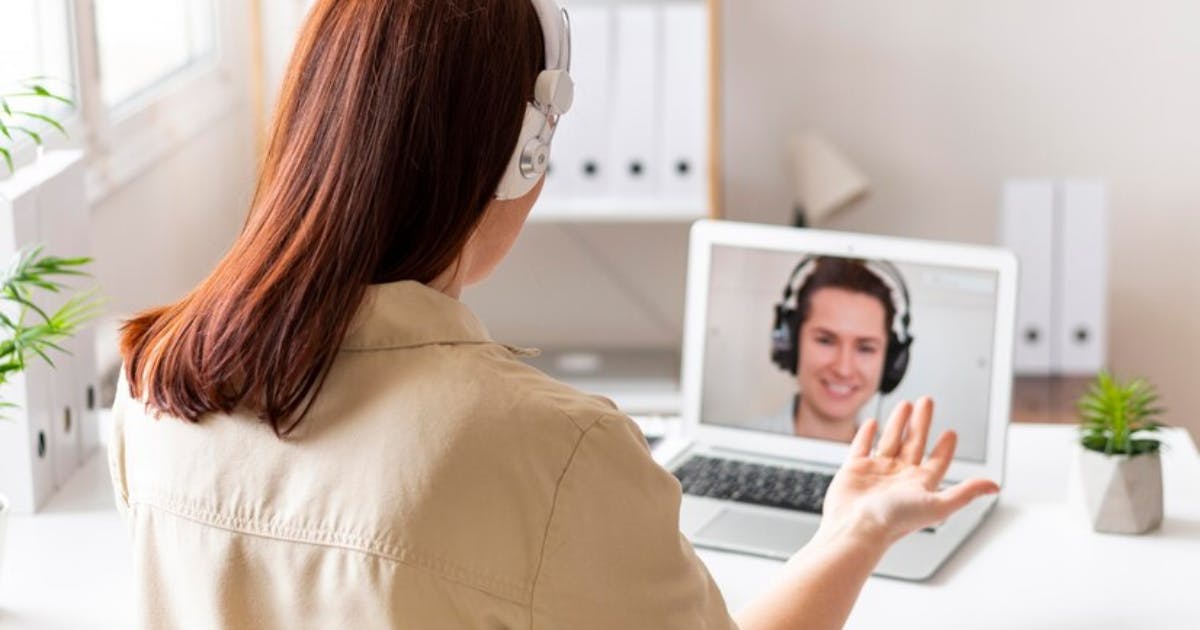
In today’s world, it has become common to conduct virtual interviews through internet or video conferencing. Although it seems easier to undertake than face-to-face interviews, virtual interviews also present certain difficulties. To give a positive impression through a screen the right approach must be made with a lot of consideration. Here are some practical tips to help you stand out and impress employers during your next virtual interview.
What Does Virtual Interview Mean?
A virtual interview is a job interview conducted remotely using digital communication tools like video conferencing platforms (e.g., Zoom, Microsoft Teams, or Google Meet) instead of meeting in person.
Key Features of a Virtual Interview:
- Remote Setup: The interviewer and the candidate connect from different sites, which can be from home or office most of the time.
- Technology-Driven: The interviewer and the candidate often connect from different sites, such as home or office.
- Convenient and Flexible: Enables participants to arrange interviews while avoiding the need to go somewhere.
- Similar Goals as In-Person Interviews: The employers decide the suitability of the candidate in regards to the job, skills, experience, and personality in the same way as when the candidate is interviewed face-to-face.
Virtual interviews have become increasingly popular due to their efficiency and the rise of remote work practices.
ATS Resume Checker: Scan your resume and ensure it is ATS-friendly
Tips to Stand Out in a Virtual Interview:
1. Prepare Your Technology
This means that before you even get to the interview process, you have to ensure your technology is up and running.
- Test your equipment: Check your camera, microphone, and internet connection in advance. Check that every thing is in order.
- Have a backup plan: Have your phone with you in case of any technical problems, and let the interviewer know beforehand what to do if the connection is lost.
- Use a professional platform: Download and familiarize yourself with the video conferencing software being used (e.g., Zoom, Microsoft Teams, Google Meet).
2. Set Up a Professional Environment
Your interview environment plays a big role in creating a good first impression.
- Choose a quiet space: Make sure the area is free from background noise and distractions.
- Declutter the background: This is best done with a clear, white background or, if that is not possible, with a virtual background.
- Ensure good lighting: Proper lighting or adequate lighting helps to make you look more professional and friendly.
3. Dress Professionally
Your attire matters, even in a virtual setting.
- Wear formal clothing: Dress as you would for an in-person interview, even if you are in virtual interview. Avoid overly casual outfits, even if only your upper body is visible.
- Avoid distracting patterns: Basic colors work well on live stream since they are likely to capture better on camera.
- Pay attention to grooming: Make certain that your hair and, in general, your grooming is neat.
4. Practice Active Engagement
For the communication to be effective through a screen, you have to put in extra effort.
- Maintain eye contact: Do not gaze at the screen but instead make sure to speak to the camera.
- Use positive body language: Sit up straight, look pleasant when you can, and nod your head when you’re listening or making a point.
- Listen carefully: Avoid interrupting the interviewer and show you’re actively listening by nodding or acknowledging their points.
5. Be Well-Prepared
Preparation makes you become a confident and competent person so that you are in a position to handle any question that is thrown at you.
- Research the company: To know its values, products, and its recent accomplishments in order to create appropriate responses.
- Practice common questions: Learn some of the most common interview questions and practice how you are going to answer them. For example, why are you applying for this position?, what Are Your Career Goals?, why should we hire you and where do see yourself in 5 years
- Prepare questions to ask: Show interest and engage the interviewer by asking questions about the role, and the company.
6. How to Effectively Market Your Skills
Highlight your qualifications and adaptability in a virtual setting.
- Use examples: Share specific examples of your achievements and how they relate to the job.
- Tailor your responses: Align your answers with the job requirements to demonstrate your suitability.
- Be concise: Always answer the questions clear and to the point so you can maintain the interviewer’s attention.
7. Test Your Setup Before the Interview
A good interview begins with preparation.
- Run a mock interview: Practice with a friend or family member to get feedback on your presentation.
- Check the framing: Make sure your face is in the frame and that the angle of the camera is good on you.
- Minimize disruptions: Let other members of your household know that you will be interviewed so that you are not disturbed in the process.
8. Follow Up Professionally
A good follow-up can leave a lasting impression.
- Send a thank-you email: Thank you for the chance and mention your desire to work for this position again.
Mention specifics: Using the information given during the interview, try to pick one thing and make it more personal to make the recipient more receptive.
- Keep it concise: Writing a short but polite email is professional.
Conclusion
To be different in the virtual interview, one has to be prepared, professional, and interested. First of all, mastering the technical aspects of virtual interview, providing professional environment and presenting oneself with confidence allows to make a good impression on the potential employer. As you know, the chances depend on preparations, that is why do not neglect any minor detail. Good luck!