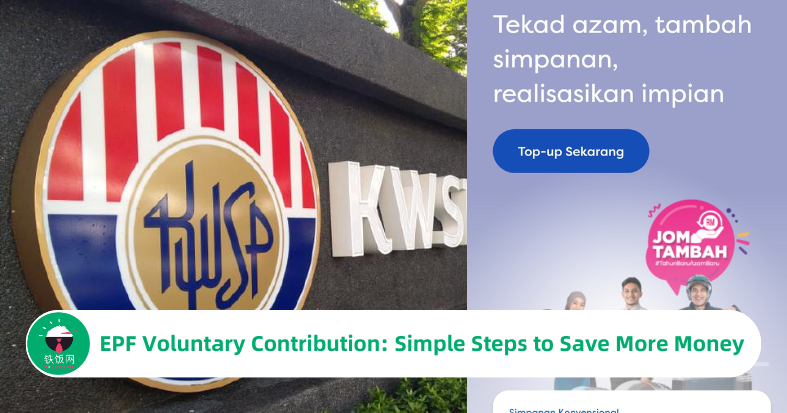
EPF Voluntary Contribution: Simple Steps to Save More Money
by Hong Yuan
Feb 12, 2025
at 10:53 AM
Did you know that EPF’s dividend rate is often higher than fixed deposits? Instead of relying on your employer’s contributions, you can now take charge of your savings and deposit money into your EPF account! This article will guide you step by step on how to do it using the KWSP i-Akaun app.
The Benefits of Saving More in EPF?
As employees, our employer contributes a portion of our salary to EPF every month. This serves as our “retirement fund,” which also earns yearly dividends. The best part? EPF’s dividend rates have historically been higher than bank fixed deposit rates, making it a smart choice for long-term savings and wealth growth.
Now, with the latest version of the KWSP i-Akaun app, members can voluntarily top up their EPF savings directly through the app. This means, that besides the mandatory contributions from your employer, you can also save extra money in your EPF account on your own.
Things to Note
The voluntary contribution (Self Voluntary Contribution) limit is RM100,000 per year (excluding the amount contributed by your employer).
Make sure you have registered and activated your KWSP i-Akaun before using this feature.
Step-by-Step Guide to Depositing Money into EPF Using KWSP i-Akaun
Step 1: Open and log in to the KWSP i-Akaun app, then tap on the 【Simpanan】 section.
Step 2: Tap 【Top-up Sekarang】.
Step 3: Enter the amount you want to deposit and tap 【Teruskan】.
Step 4: Select your preferred bank for the transfer, then tap 【Teruskan】.
Step 5: Double-check the deposit amount and the selected bank, then tap 【Teruskan】 again.
Step 6: Agree to the terms by tapping 【Terima】.
Step 7: You will be redirected to the bank’s transfer page—complete the transaction.
Step 8: Once you see the confirmation screen, your money has been successfully deposited into your EPF account!
How to Check Your Voluntary Contribution Records?
On the home page of the KWSP i-Akaun app, scroll down to find the "Caruman Sukarela" (Voluntary Contribution) section. Tap "Lihat Butiran" (View Details) to check your past voluntary savings records.
Conclusion
Now that you know how easy it is to deposit money into your EPF account, why not take advantage of this feature? With EPF offering higher dividend rates than bank fixed deposits, your savings can grow at a better rate over time.
If you have extra funds, consider making voluntary contributions to secure a more comfortable retirement. Of course, always plan your finances wisely and allocate your money accordingly!
So, what are you waiting for? Open your KWSP i-Akaun app now and start boosting your EPF savings today!