mySalam is a national health protection scheme initiated by the Malaysian government to provide free medical coverage for the lower-income group. People who are in the B40 income group or receive STR assistance are eligible for the mySalam insurance plan. Launched in 2019, the scheme aims to ease the financial burden of Malaysians facing critical illnesses and hospitalization. Through this initiative, eligible individuals receive financial assistance, allowing them to focus on recovery without the added stress of medical expenses.
mySalam Benefits
Critical Illness
Payment of RM 8,000 once in a lifetime when diagnosed with any of the 45 critical illnesses.
Hospitalization
RM 50 daily hospitalization income replacement at any government, military, or university hospitals listed under mySalam website, up to 14 days per annum.
Note: mySalam recipient must stay overnight in the ward to be entitled to this benefit.
mySalam Status
How can we check our mySalam status?
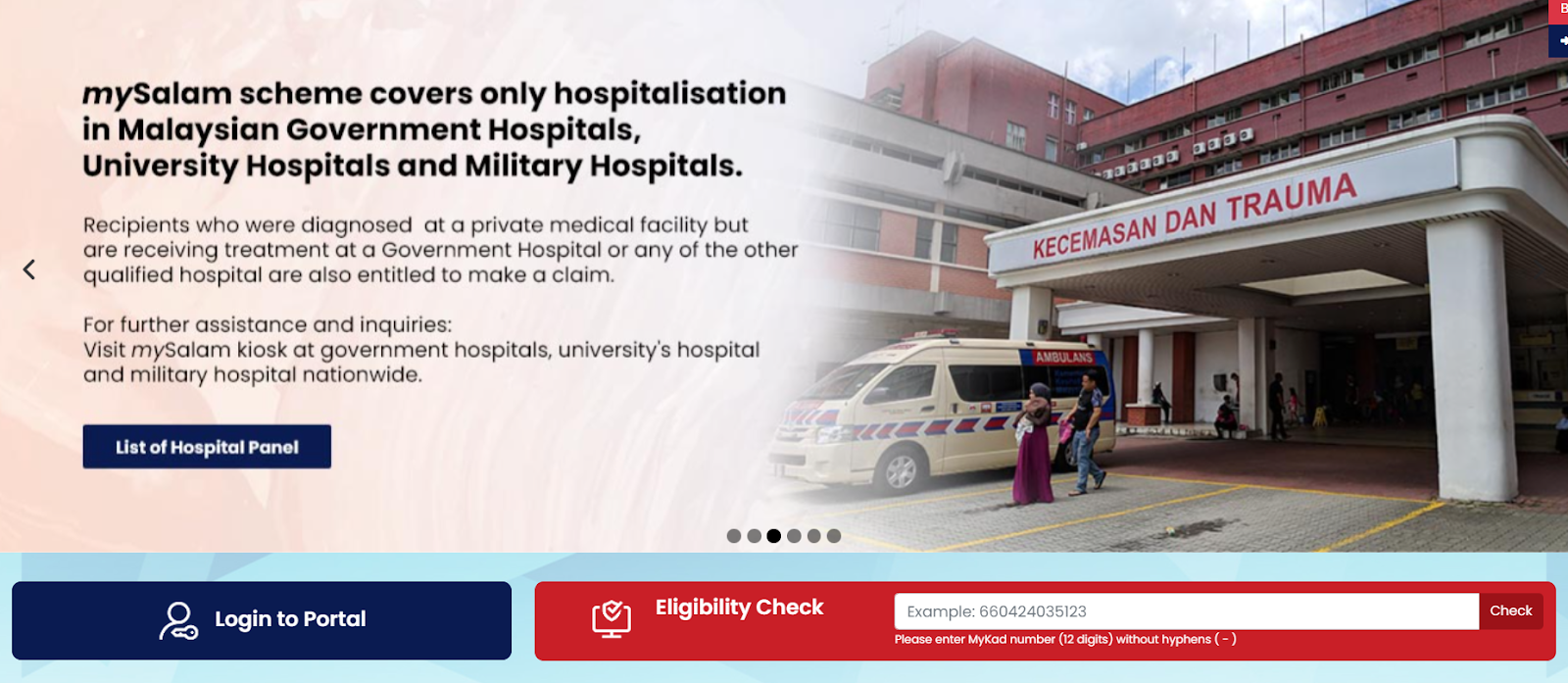
The 2024 eligibility check is ready starting from 7 July 2024 in the mySalam portal. Go to mySalam homepage, and enter your IC number for the eligibility check.
Critical Illnesses Covered by mySalam
The mySalam insurance plan covers 45 critical illnesses, ensuring comprehensive protection for various severe medical conditions. Here is a list of some of the critical illnesses covered:
Heart Attack
Stroke
Cancer
Kidney Failure
Major Organ/Bone Marrow Transplant
Multiple Sclerosis
Parkinson’s Disease
Alzheimer's Disease
Coma
Deafness
Major Burns
Loss of Speech
Primary Pulmonary Hypertension
Systemic Lupus Erythematosus with Lupus Nephritis
Paralysis
Cardiomyopathy
Heart Valve Surgery
Coronary Artery By-pass Surgery
Blindness
Muscular Dystrophy
Fulminant Viral Hepatitis
Benign Brain Tumor
Encephalitis
End-Stage Liver Failure
End-Stage Lung Disease
Aplastic Anaemia
Severe Brain Damage
Bacterial Meningitis
Terminal Illness
Motor Neuron Disease
Loss of Independent Existence
Chronic Adrenal Insufficiency (Addison’s Disease)
Creutzfeldt-Jakob Disease (CJD)
Severe Rheumatoid Arthritis
Medullary Cystic Disease
Major Head Trauma
Progressive Scleroderma
Progressive Supranuclear Palsy
Elephantiasis
HIV Infection Due to Blood Transfusion
Occupationally Acquired HIV
Severe Crohn’s Disease
Severe Ulcerative Colitis
Apallic Syndrome
Major Surgery for Infective Endocarditis
Steps to Claim for Critical Illnesses Covered by mySalam Insurance Plan
If you are diagnosed with one of the critical illnesses covered by the mySalam scheme, you can follow these steps to make a claim:
Critical Illness Claims
Step 1: Go to mySalam and log in using your National Registration Identity Card (NRIC) and the password sent to you via SMS (or the latest password that you have set).
Step 2: Click on Download Form and download the 'Critical Illness - Doctor's Statement form', based on the type of critical illness.
Step 3: Ask your attending doctor or specialist to complete the 'Critical Illness - Doctor's Statement form'.
Step 4: Log in to mySalam and click on the Claims icon, followed by the Claims Submission icon. Then, scroll down the webpage and click on the Critical Illness Claim icon.
Step 5: Fill in the information required and click on the Upload button to upload the following documents*. Next, click on the Attach button.
a) Copy of NRIC - (front and back)
b) Critical Illness - Doctor's Statement form
Step 6: Click on the Submit button to complete the claim submission.
Steps to Claim Hospitalization Benefit under mySalam Insurance Plan
If you need to claim the hospitalization benefit under the mySalam insurance plan, here are the steps:
Step 1: Go to mySalam and log in using your NRIC and the password sent to you via SMS (or the latest password that you have set).
Step 2: Click on the Claims icon, followed by the Claims Submission icon. Then, scroll down the webpage and click on the Hospitalisation Claims icon.
Step 3: Fill in the information required and click on the Upload button to upload the following documents*. Next, click on the Attach button.
a) Copy of NRIC - (front and back)
b) Copy of Discharge Note
Step 4: Click on the Submit button to complete the claim submission.
*All required documents must be uploaded in PDF or JPEG format.
Conclusion
mySalam is a significant financial assistance for low-income groups, but unfortunately, many Malaysians don’t know about it. Let’s save this information for future use so that you can help yourself and others in need!
For more detailed information, you can visit the official mySalam website or contact their customer service for assistance.
If you have a low income and are seeking new job opportunities to increase your salary, look no further than Ricebowl! With over 1 million job opportunities available, including work-from-home, part-time, weekend part-time, and freelance work, Ricebowl has something for everyone looking to earn extra income. Check out these job listings now and find your ideal job!